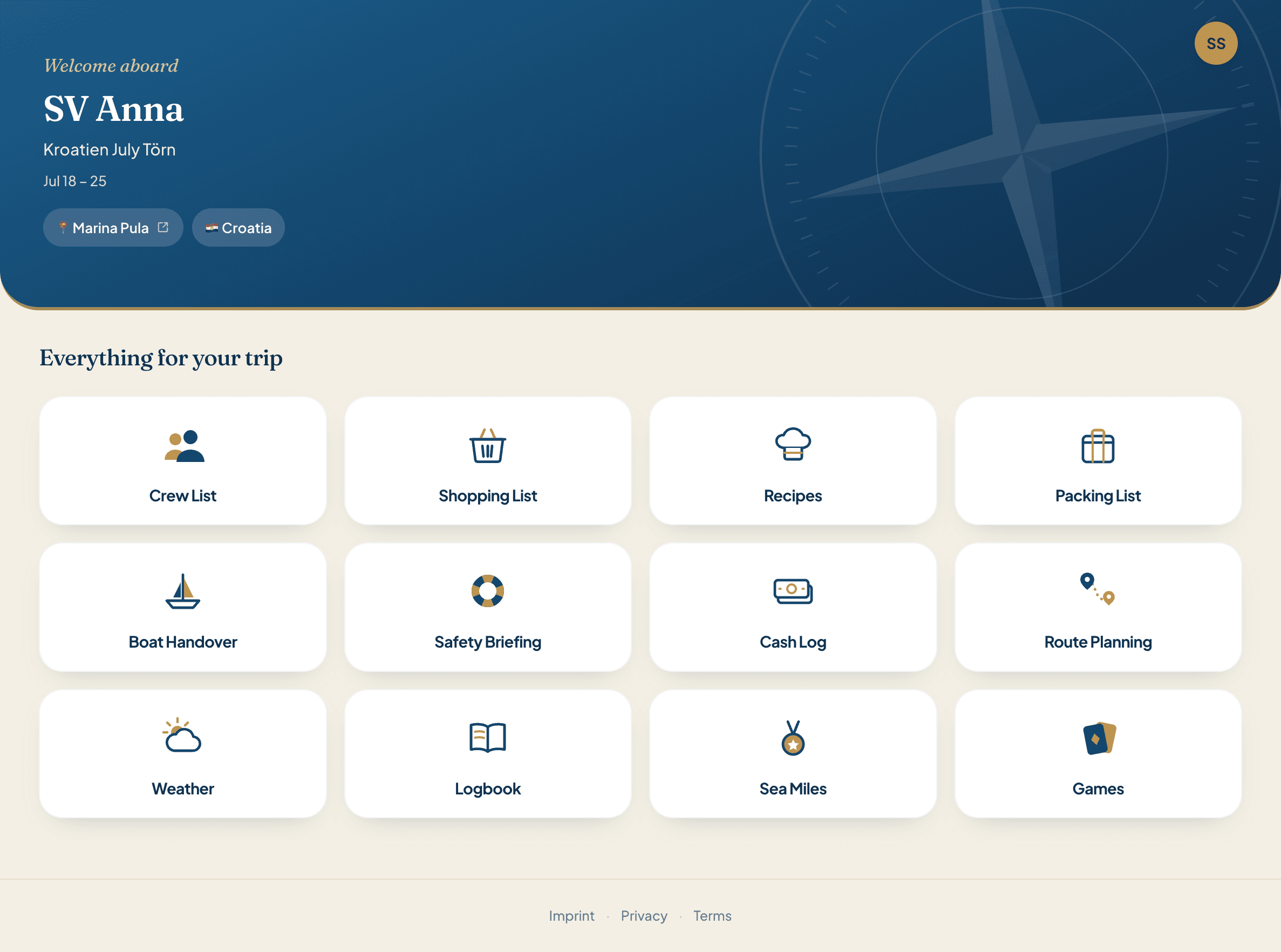
The sailing logbook
The logbook sits at the centre of every trip. Here is everything that goes into it, and how Skipper Connect puts an end to the loose sheets of paper.
Your logbook almost writes itself
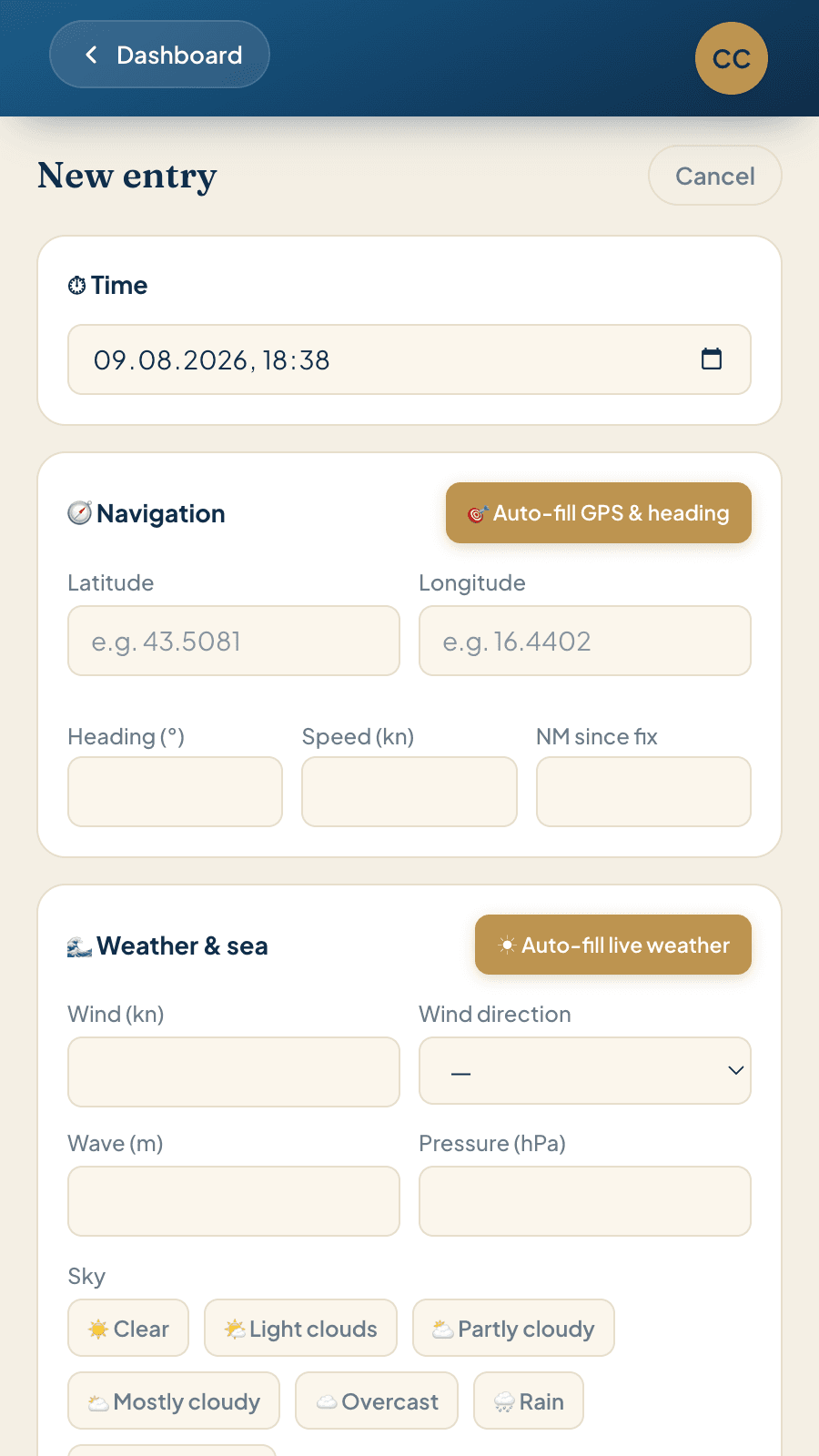
Open an entry, let the position and weather fill themselves in, tap the status, add your note. A few taps and the entry is done.
- Position and heading in one tap. The GPS and compass in your phone or laptop fill in latitude, longitude and heading.
- Weather in the second tap. Wind, wind direction, wave, pressure and sky come from live weather data.
- The app counts the miles. From your last position to the new one — exactly the number your mileage record is built on.
- Only the skipper writes, everyone reads. One record for the whole boat. The crew can still see the entries and the track years later.
What a logbook entry can look like
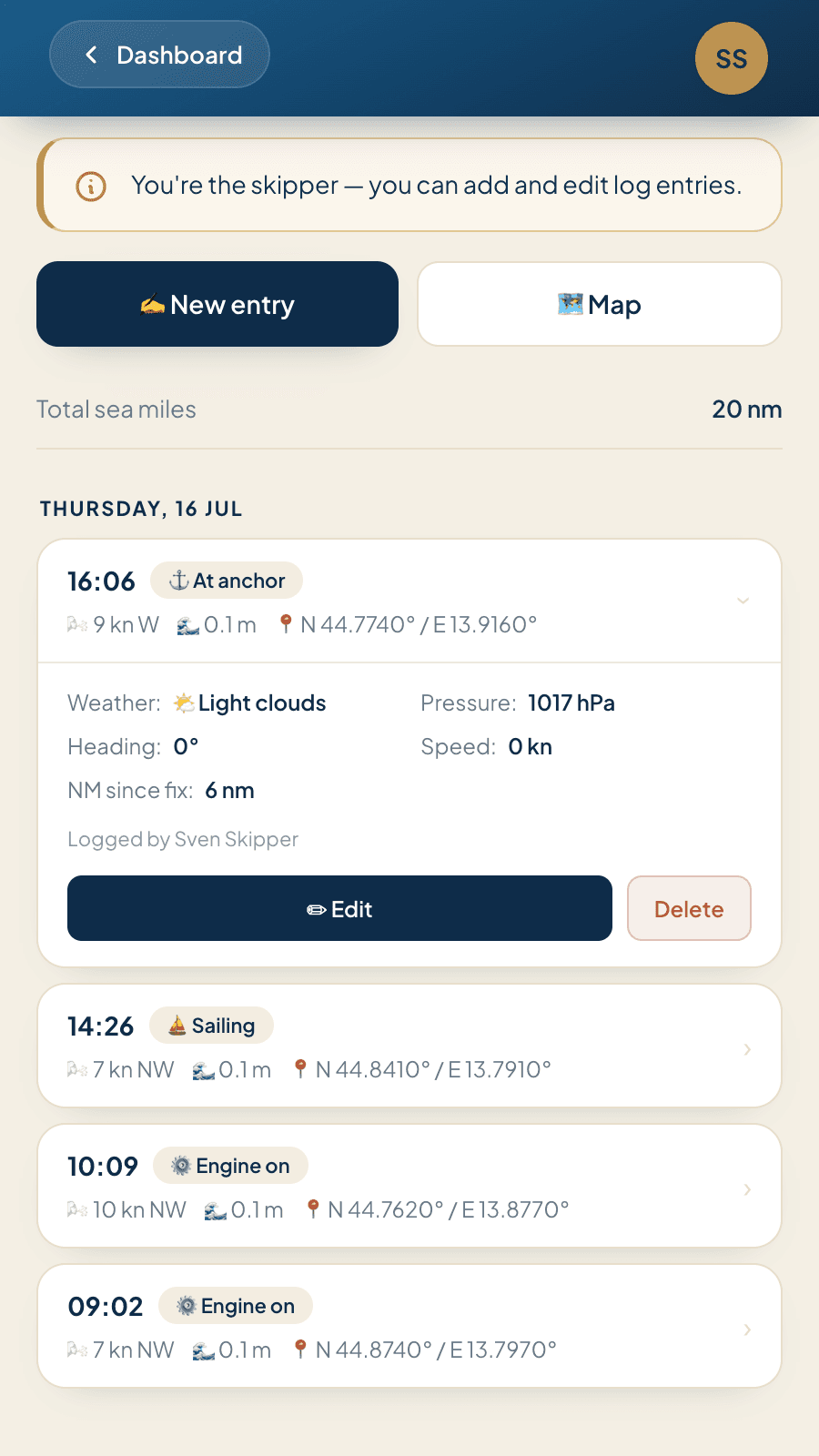
Every entry is a snapshot: where the boat was, how she was travelling, what the weather was doing, and anything worth noting. Most skippers make an entry every one to three hours, plus one for every manoeuvre and every event.
Engine off, main and headsail up, close-hauled.
No more loose sheets of paper
The app fills in position, weather and miles. All you type is the status and your note.
What goes into a sailing logbook?
Here are the parts of a logbook in detail, and how keeping it digitally makes the job easier.
Without the date and time, everything else is worthless
Date and time are the two entries that must never be left out. They put everything else in order: a heading with no time attached says nothing, a position with no time cannot be checked, and two entries without an interval between them do not add up to a distance.
Write your entries in the moment. A logbook filled in from memory in the evening loses the accuracy it exists for.
In Skipper Connect the date and time are already there when you open a new entry. Nothing to fill in by hand.
Where do the coordinates and boat data come from?
Latitude and longitude, course over ground, speed, and the miles run since the last entry. This block is the reason paper logbooks have a reputation for being a chore: you read the coordinates off the plotter, copy them across, check the compass, work out the distance from the last position.
That is where the mistakes that annoy you most later come from: digits swapped in the coordinates, and miles that do not add up at the end of the trip.
In Skipper Connect one tap pulls the GPS position and heading from your phone or laptop. The app works out the miles since the last entry itself. You can still overwrite them at any time.
The trend is the information, not the single reading
Wind and wind direction, wave height, pressure, and a look at the sky. A single pressure reading tells you almost nothing. Three readings over six hours show you where the situation is heading. That is why the weather belongs in every entry, not only in the ones where it gets interesting.
The second purpose is the record. If someone asks later what the conditions were when a decision was made, the answer is here.
In Skipper Connect the wind, wind direction, wave, pressure and sky come from live weather data for the position of the entry. One tap fills all of it in — and you can adjust it if you need to.
Sailing, motoring, at anchor or moored?
A quick record in your logbook of how the boat was travelling at the time: engine on or off, sailing, motorsailing, at anchor, moored. It is also how you know afterwards how much of the trip you actually sailed.
The notes field is where the events go: manoeuvres and sail changes, breakages and repairs, refuelling, what you saw in the area, arrival and berth.
In Skipper Connect the status is a tap instead of a line of handwriting. And you can dictate your notes with your phone rather than typing them out.
Once a day, a look at the boat
Water and black water tanks, diesel, battery voltage, engine hours, and a look in the bilge. These do not belong in every entry. Once a day is enough to keep track of the boat.
It is also your cover at handover: if you have noted engine hours and tank levels every day, nobody is arguing about estimates at the end of the week.
In Skipper Connect this block appears on the first entry of the day, so you cannot forget it.
One trip, entry by entry
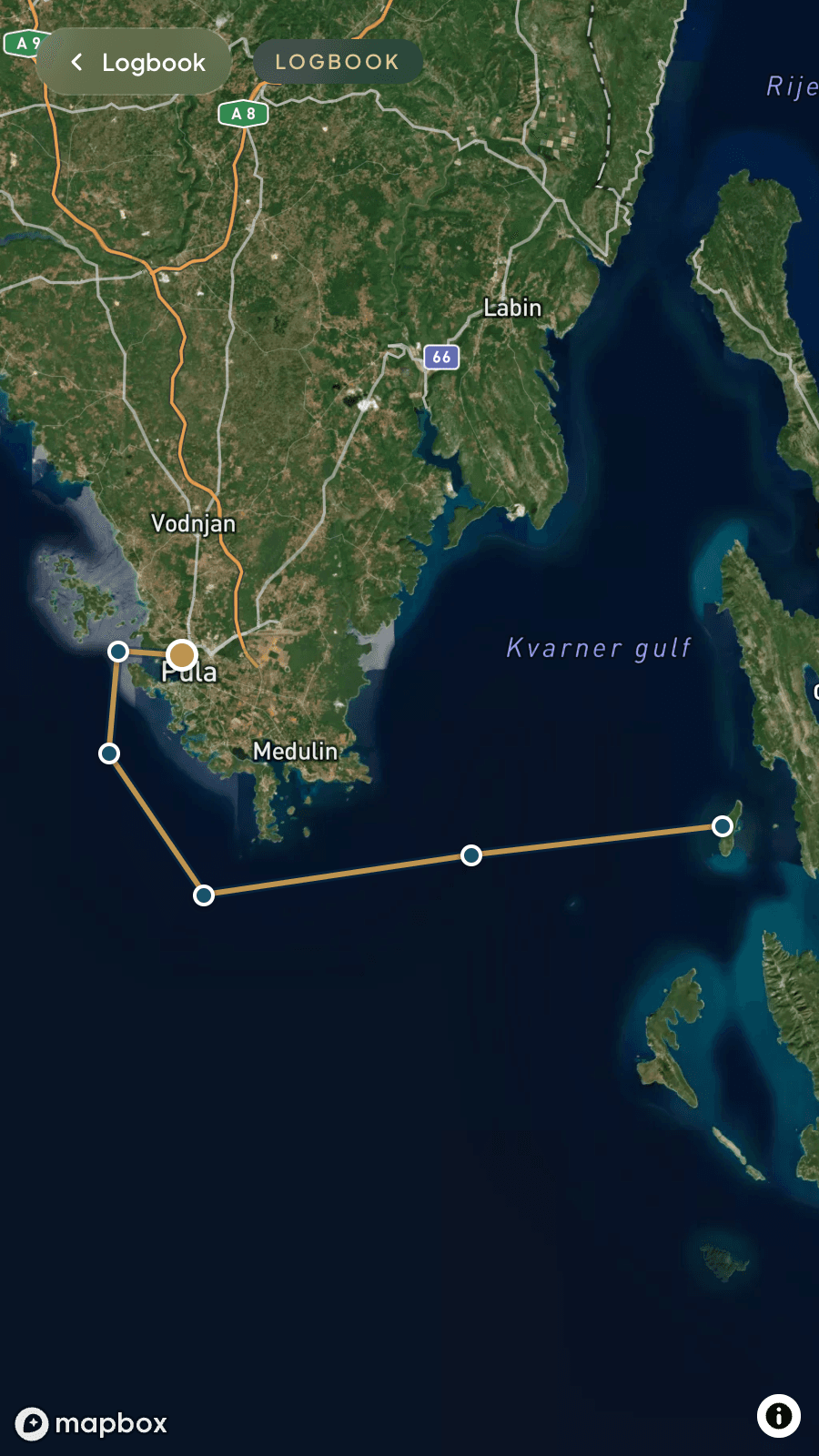
The entries add up to the story of the trip — and the positions add up to the track you sailed.
What you need the logbook for later
A logbook kept properly and without delay carries weight in court — after damage, a collision, or a dispute with the charter company. What matters is that entries are made promptly: an incident goes in the book straight away, not the next day.
If the plotter dies, your last written position with its time, heading and speed is the point you dead-reckon from — and the position you pass on if you need help.
Whatever certificate you are working towards, the miles have to be signed off by the skipper. The logbook is where they come from: the miles, the areas sailed, and who was on board when. The mileage record in Skipper Connect pulls the miles straight out of the logbook, which makes the skipper's job a short one.
Breakages, repairs, refuelling, engine hours: the next crew and the owner care about all of it. On a charter yacht it is also your proof that a fault was already there before your week started.
The underrated reason. The wind, the anchorage, the night it blew thirty knots — two years later the logbook is the only thing that still knows how it really was.
What depends on the flag and the cruising ground
A yacht follows the law of the flag she flies, not the passport you carry. Most charter yachts in the Mediterranean and the Caribbean are required to keep a log, and the charter company will usually tell you what it expects to see when you hand the boat back. Whatever certificate you are working towards, the logbook is where your qualifying miles come from. Ask at check-in what is required — it takes a minute and settles the question for the week.
Common questions
Do you have to keep a logbook when sailing?
That depends on the flag your yacht flies, not on where you happen to be sailing. Most charter yachts in the Mediterranean and the Caribbean are required to keep one, and the charter company will expect a completed log at handover. Ask at check-in what is required. If nothing is required, keeping one anyway costs you a minute a day and settles most disputes before they start.
What goes in a logbook entry?
The time, your position and navigation, the weather and sea, the state of the boat, and anything worth noting. Once a day the tank levels, battery and engine hours go in too. A complete example is further up this page.
How often do you make an entry?
At a sensible interval, and at every event that matters. What counts as sensible and what counts as relevant is the skipper's call, depending on the area, the weather and the traffic. In practice one to three hours is normal, plus every manoeuvre, every change of course and every incident. Events go in the book straight away, not later.
Does a digital logbook count towards your qualifying miles?
The miles are signed off by the skipper, and there is no prescribed form for that. The logbook is the source the miles come from, so whether you keep it by hand or digitally makes no difference. Whoever awards the certificate decides whether a mileage record is accepted. How the skipper signs the miles off is covered on the page about the mileage record.
Does a logbook carry weight as evidence?
If it is kept properly, yes. A logbook is not a diary, it is a record. What matters is unambiguous entries, a clear time attached to each one, and no delay between the event and the entry.
Is there a template to print out?
Why print it, when you can fill it in on your phone and keep it for good? That is exactly what the Skipper Connect app is for. No more loose sheets of paper.
On board with you
Pack, organise, shop, cook, navigate, settle up. Twelve features, one account. No more spreadsheets.
A trip is more than the logbook
Crew list, packing list, provisioning, boat kitty, boat handover, weather and mileage record — twelve tools in one account. Create your free account now.
Start for free