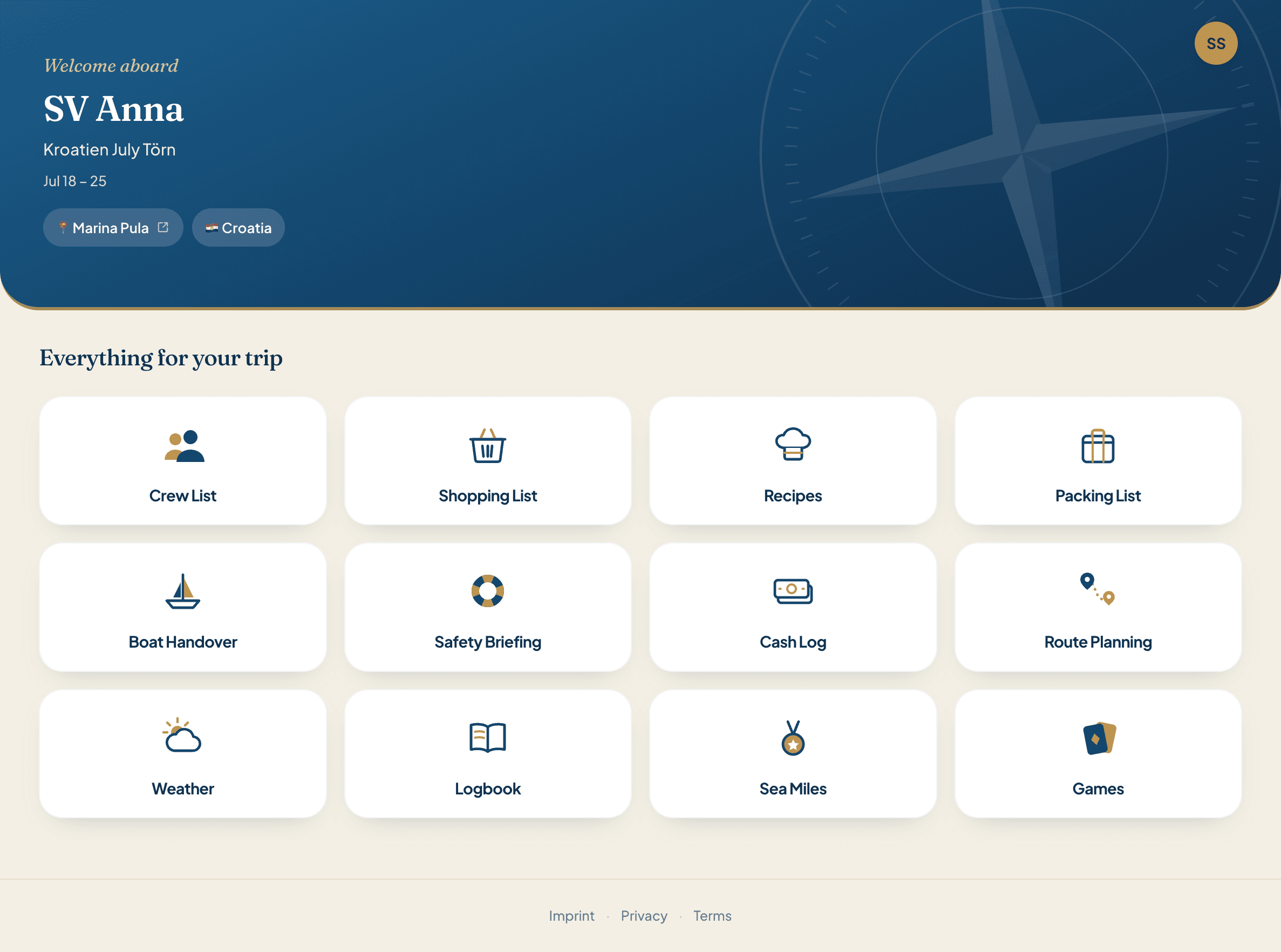
One invite link for the whole crew
No list of names to type out, no phone numbers to collect, no spreadsheet doing the rounds. You copy the invite link and send it to your crew. Everyone who opens it creates their account and is on board.
The crew list as the hub of the trip
Whoever is on the crew list can use the app: they chip into the boat kitty, they get a mileage record, and their name is in the packing list and in the logbook. That is why it is part of every trip and the basis for everything else.
- Always free. On every trip, with or without Pro.
- Up to 30 people. Big boat? No problem.
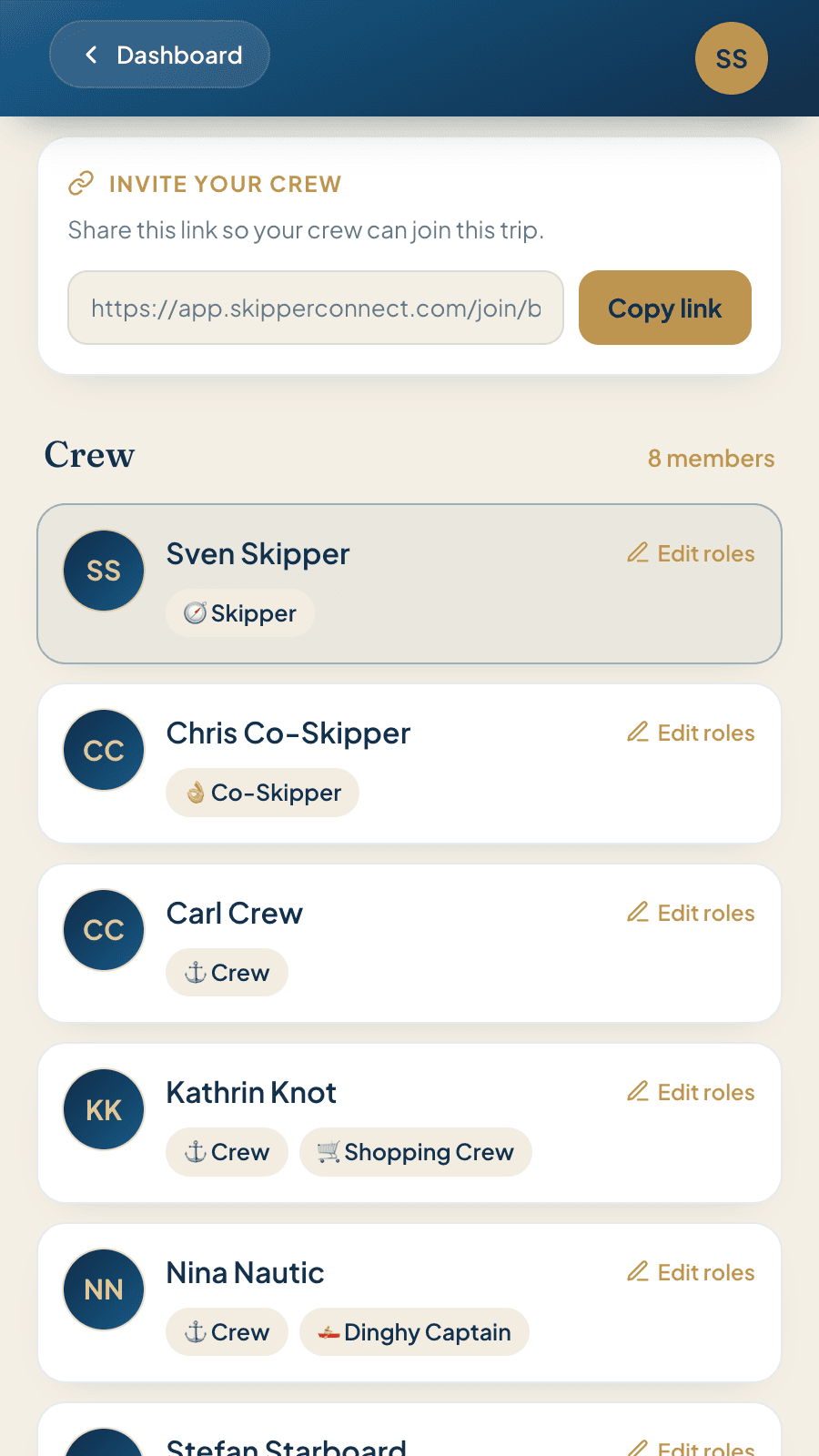
Three steps, everyone is on board
Copy the link
At the top of the crew list you will see “Invite your crew”. One tap on Copy link, and it is ready to send.
Share the link
Drop it into the WhatsApp group, or send it by email, text message, or a note on the fridge. However you like. The link belongs to the trip, so you only send it once.
The crew joins the trip
Whoever opens the link sees the boat name, creates their free account and joins the trip. From then on they are in your crew list, under their own name. It costs them nothing.
Create a trip, share the link, done
Joining is always free.
Who does what? Set the crew roles on board in one tap
Tap a crew member in the crew list and give that person their role. Twelve roles are ready to go:
Anyone can hand them out
Not just the skipper. Everyone on board can assign roles, themselves included. Nobody has to wait for you.
More than one role? No problem
One person can hold several roles, and one role can go to several people. Two treasurers? That works too.
The skipper has special rights
The skipper is the one who writes the logbook, issues the mileage record and fills in the boat handover and the safety briefing. The other eleven roles can read, but not edit.
Frequently asked questions
Does my crew have to pay anything?
No. The crew list is free on every trip. The account each crew member creates costs nothing either.
Is this the official crew list for the authorities?
No. Some countries ask for an official crew list with passport details before you leave the marina — that document comes from your charter company, not from us. Our crew list organises the trip itself: who is coming, who has which job on board, and who shows up in which part of the app.
Does everyone really need their own account?
Yes. After tapping the invite link, each crew member creates an account once (email, password, name) and confirms it by email. From then on they are part of your trip and can use the app. For the next trip, logging in is enough.
How many people fit on one trip?
Thirty. That applies on every plan and is enough even for a flotilla with several boats.
Does the invite link expire?
No, it stays the same for the whole trip. Once the trip has ended, nobody can join any more, but the list itself stays visible.
Can I remove someone again?
Yes. Whoever created the trip can remove individual members. Only the link to that trip is deleted; the account, the profile and any expenses already entered in the boat kitty stay untouched. The person can rejoin at any time through the same link, and the roles are handed out again.
Can I invent my own roles?
No. The twelve roles are fixed, which keeps the list comparable from one crew to the next.
On board with you
Pack, organise, shop, cook, navigate, settle up. Twelve features, one account. No more spreadsheets.
Create your trip and send the link
Always free. No subscription, no credit card. The crew list is part of every trip.
Try it now