Sailing weather, simple and clear
Keeping track of every weather figure is harder than it sounds. Skipper Connect does it for you. With the weather feature you can keep an eye on wind, waves, gusts and rain at any time.
Now, today, and seven days ahead
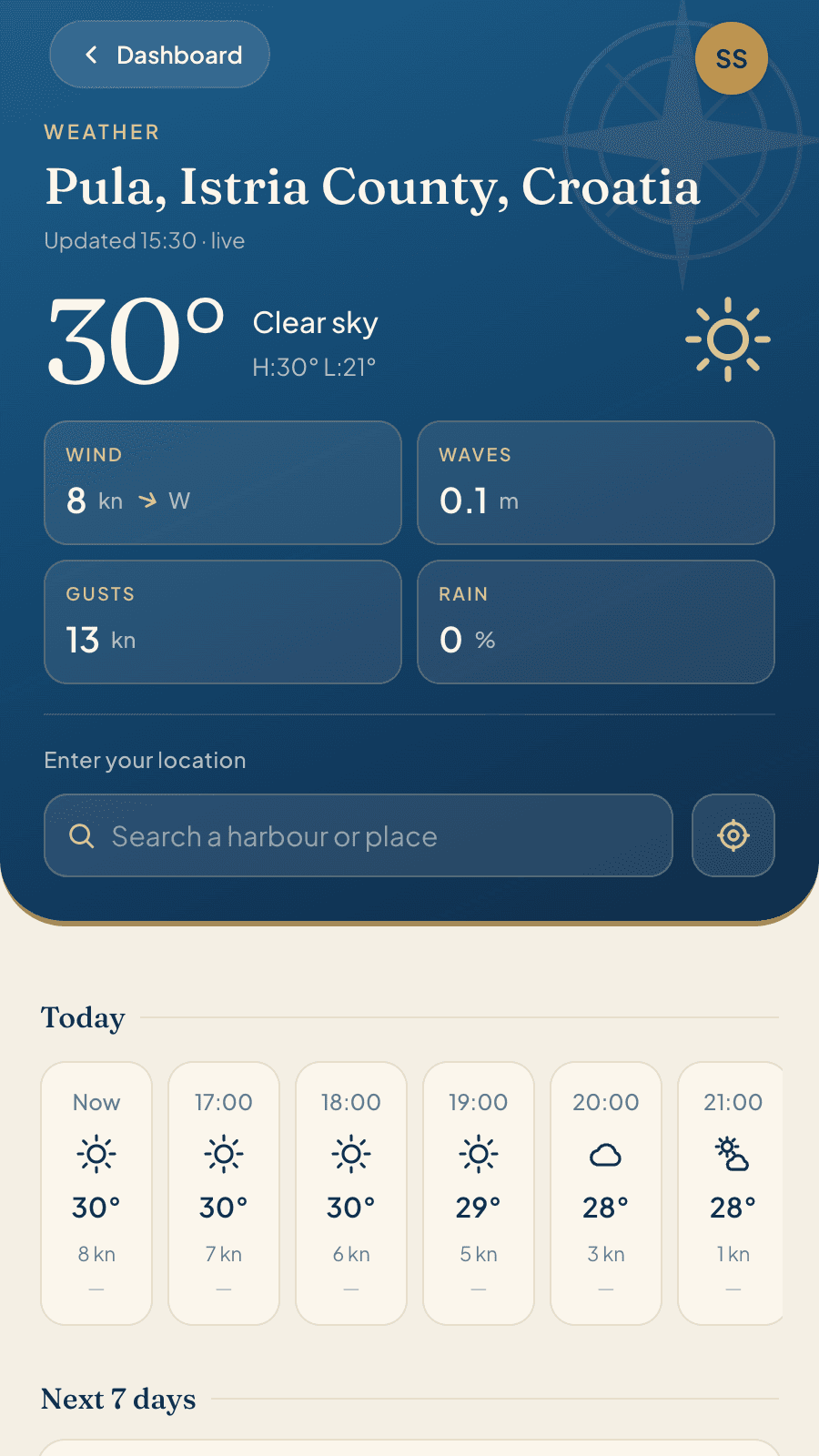
At the top the current picture with the readings that matter. Below it the hourly view for today. Then the week ahead, with wind, waves and a temperature range for each day.
- Wind, gusts, waves, rain. Side by side, plain and clear.
- Hour by hour for today. With rainfall figures when it rains.
- Seven days ahead. Wind with direction and wave height for each day.
- Place search and GPS. Type in a harbour, or let the app find your position.
- Free. All of it, on every trip.
Four readings that matter to sailors
Most weather apps show you a temperature and an umbrella. On the pontoon, something else decides whether you cast off. These four readings give you that picture at once, without hunting for anything.
Wind
The mean wind speed in knots, with a direction arrow and compass point. For the next seven days as well.
Waves
Wave height in metres. The one figure the crew can read to tell whether the leg will be calm or sporty.
Gusts
The mean says little about how a day will feel. The gust decides whether a reef goes into the main.
Rain
The chance of rain for the current hour, plus rainfall in millimetres across the hourly view.
The weather is free
No trial period, no stripped-back version. All four readings, the hourly view and the seven days are there in full from the start.
Three moments on board when everyone reaches for their phone
Coastal weather is changeable and rarely stays the same for long. That alone is reason enough to keep an eye on it.
The morning before you cast off
Sail, stay in harbour, or take the alternative route. The decision is made over breakfast in two minutes, and it is made on gusts and waves, not on temperature.
Looking at the week ahead
Seven days ahead show whether the leg you planned is realistic. Better to plan with the wind than against it. A passage plan that ignores the wind is not much of a plan.
When the crew asks
“Is it going to be rough today?” is one of the most common questions of a charter week. With the weather feature in Skipper Connect every crew member can answer it themselves.
Frequently asked questions
What does the weather cost?
Nothing. It is free on every trip.
Where does the data come from?
The forecast and weather data come from Open-Meteo.
Which units are used?
Wind and gusts in knots, wave height in metres, temperature in whole degrees. There is no unit switch, because on board only one of them is ever used anyway.
How far ahead does the forecast go?
Seven days. For today there is an hourly view as well.
Does the whole crew see the same place?
No, and that is deliberate. Each person has their own saved place for each trip. Nobody changes the view for anyone else, and if you are still at home you can already check the forecast for the cruising area.
Are my location or my weather requests stored?
No weather is stored and no history is kept. The only thing saved is the place you last chose, with its name and coordinates, so that it is there again next time. If you tap GPS, the browser finds your position, and it goes only to our own server. The weather service never learns who you are.
Why is there sometimes a dash instead of a wave height?
Because there is no sea state data for that place, on inland waters for example. The other readings are not affected and the page carries on loading normally.
On board with you
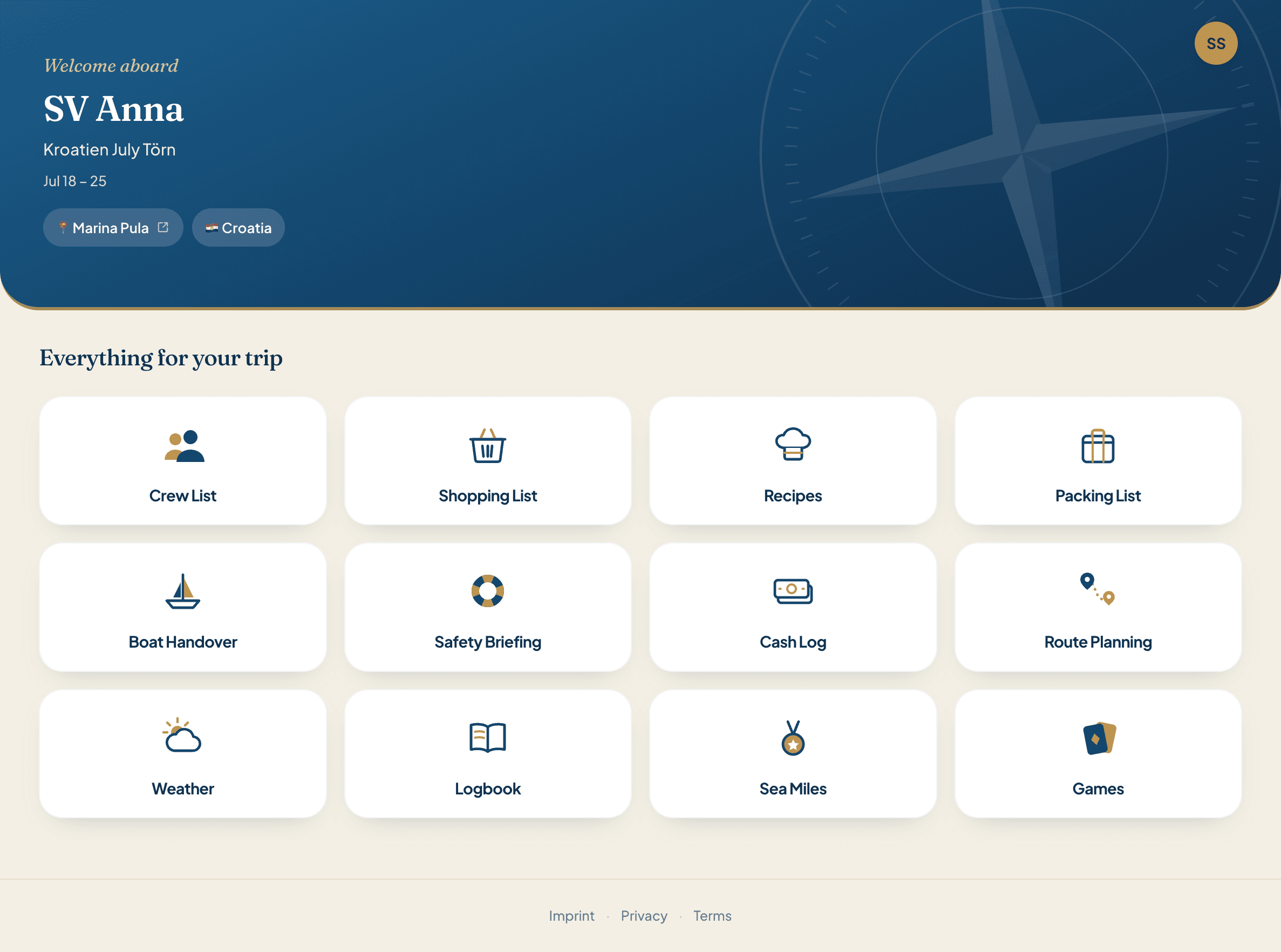
Pack, organise, shop, cook, navigate, settle up. Twelve features, one account. No more spreadsheets.
A sailing trip is more than the weather
Crew list, packing list, provisioning, boat kitty, logbook and mileage record: twelve tools in one account.
Try it now